Most SMBs are automating customer experience in fragments, not as a system. That's the expensive way to do it. A 2026 industry analysis found that 98% of organizations have deployed AI somewhere in the customer journey, but only 15% have combined agentic AI with cross-department orchestration to resolve customer needs end-to-end (Talkdesk coverage of agentic automation in CX).
That gap is where revenue gets lost.
If your chat, reviews, CRM, support inbox, and post-purchase messaging all run separately, you don't have customer experience automation. You have a pile of tools sending messages at people. The brands that win use automation to connect acquisition, service, reputation, and retention into one operating system that moves buyers forward.
What Customer Experience Automation Really Means
Customer experience automation isn't a chatbot project. It's revenue infrastructure.
That distinction matters because too many SMBs buy a single automation feature, turn on a few canned flows, and call it transformation. Then they wonder why repeat purchase stalls, reviews stay flat, and support still eats margin. Automation only works when the system learns across the full customer lifecycle.
The three layers that actually matter
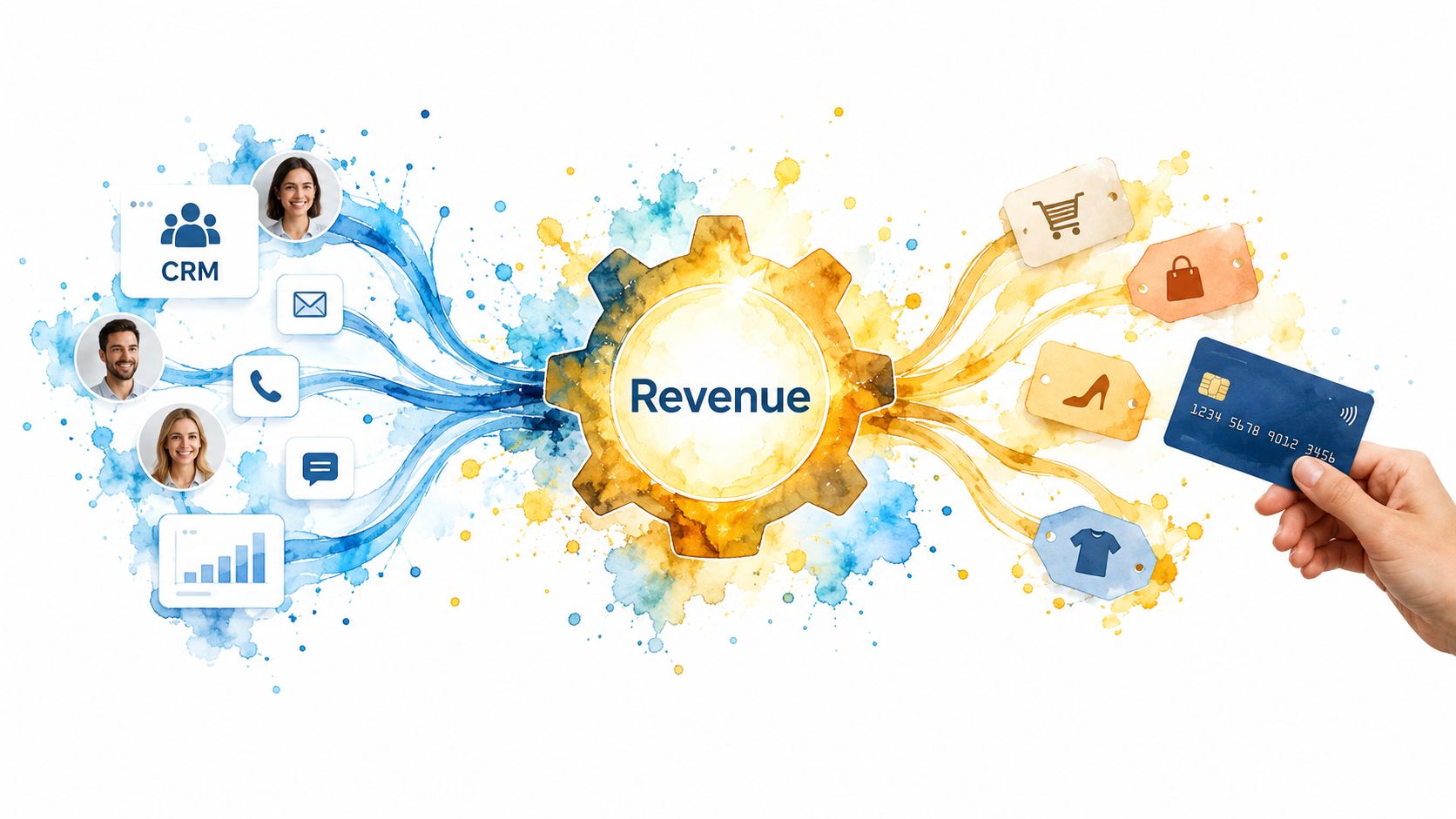
Most SMBs need to think in three layers, not in shiny features.
- Data capture: Your CRM, order history, support tickets, review activity, and channel source data all belong here. If you can't see who bought, who complained, who left a review, and who came back, your automation will fire blind.
- Decision logic: Segmentation, triggers, personalization rules, lead scoring, and service routing live here. It decides who gets a reminder, who gets a review ask, and who gets escalated to a person.
- Delivery channels: Email, SMS, onsite prompts, chat, ads, and support messaging are just the outputs. They matter, but they're the last step, not the strategy.
Most owners obsess over the third layer because it's visible. The first two layers decide whether the third one makes money.
Practical rule: If your automation can't use purchase behavior, support history, and review sentiment together, it's too shallow to drive serious lifetime value.
Why the stack matters more than the tool
A lot of teams still confuse customer experience automation with marketing automation. They're not the same thing.
Marketing automation usually stops at the campaign. It sends the welcome email, abandons the cart, fires the promo, and measures the click. Customer experience automation closes the loop. It uses service signals, review signals, and customer behavior after purchase to improve the next interaction.
That's the difference between “we sent a message” and “we changed the customer outcome.”
If you want a practical view of how channels should work together, study an omni-channel customer experience framework and map it against your actual customer journey, not your org chart.
What SMBs should optimize for
The target isn't lower headcount. That's lazy thinking.
The target is three things:
- Higher repeat purchase
- Better review velocity and sentiment
- Faster path from first touch to second transaction
That's also why integrated CRM and reputation workflows matter. When review activity, support behavior, and buyer history sit in one system, your follow-up gets sharper. A happy buyer gets nudged to review. A frustrated buyer gets routed to a human. A repeat customer gets a different post-purchase sequence than a one-time bargain shopper.
That's real customer experience automation. It doesn't look flashy in a pitch deck. It shows up in revenue quality.
The KPIs That Prove CX Automation Is Working
If you're measuring opens, clicks, and bot sessions in isolation, you're grading your own homework.
Good customer experience automation should improve revenue behavior and service efficiency at the same time. The cleanest way to track it is to split KPIs into four buckets: acquisition efficiency, engagement quality, retention and value, and operational efficiency.
A useful reality check sits underneath all of this. Research shows 56% of consumers say getting information quickly matters more than empathy, yet 56% still prefer human agents overall, while 85% would use automation if it resolved their issue (Verint analysis on automation readiness). That means your KPI set has to measure both speed and trust. One without the other will break.
The four KPI buckets
Acquisition efficiency tells you whether new buyers are entering the system cleanly. Watch CAC, opt-in rate, and time-to-first-value. If someone buys and then hears nothing useful for days, your automation is already behind.
Engagement quality tells you whether people are moving, not just receiving. Activation rate, response latency, and feature or offer adoption matter here. Fast delivery of irrelevant messaging isn't a win.
Retention and value is where the money shows up. Repeat purchase rate, churn, CSAT, NPS, and customer lifetime value belong here. If automation is doing its job, these should trend in the right direction because the experience gets easier and more relevant over time.
Operational efficiency is the margin layer. Track automated tickets, agent handle time, and cost per resolution. One benchmarking report states that over one-third of all customer experience activity is now managed through automation, and that share is projected to exceed 50% within 12 months (global customer experience benchmarking report). If your service team still handles every repetitive interaction manually, you're burning payroll on work software should absorb.
CX Automation KPIs Mapped to Business Outcomes
| KPI | Business Outcome | Healthy Range | Action If Slipping |
|---|---|---|---|
| CAC | Revenue efficiency | Improving over time relative to conversion quality | Tighten targeting, fix follow-up gaps, cut low-intent sources |
| Time-to-first-value | Faster activation and lower drop-off | Short enough that buyers reach value quickly | Rewrite onboarding and trigger education earlier |
| Opt-in rate | More owned audience reach | Stable or rising with clean consent capture | Simplify forms, improve offer clarity, review timing |
| Activation rate | Better early journey performance | Majority of new buyers complete the core next action | Remove friction and shorten the first workflow |
| Response latency | Higher satisfaction and conversion assist | Fast enough to match buyer intent | Add routing rules and human escalation windows |
| Feature or offer adoption | Greater account value | Rising among qualified segments | Personalize based on actual behavior, not broad blasts |
| CSAT or NPS | Better experience quality | Stable or rising after automation changes | Audit handoffs, tone, and broken journeys |
| Repeat purchase rate | Revenue durability | Moving up in repeatable cohorts | Improve post-purchase timing and replenishment logic |
| Churn | Better retention | Flat or falling | Add save flows, service outreach, and risk flags |
| Customer lifetime value | Stronger long-term economics | Increasing by segment over time | Focus on cross-sell, retention, and support quality |
| Tickets automated | Lower manual workload | Growing without harming experience | Expand safe intent coverage and tighten fallback logic |
| Cost per resolution | Better service margin | Declining while satisfaction holds | Reduce unnecessary touches and improve triage |
For SMBs, these signals should live in one reporting rhythm, not five different dashboards. A practical starting point is to centralize them inside reporting automation tools for marketing and CX so your team can see what changed and what caused it.
If a metric doesn't predict revenue, retention, or service efficiency, it belongs in the background.
High-Leverage Use Cases for SMBs and Ecommerce
Customer experience automation pays back fastest in a few predictable places. Don't automate everything. Automate the moments where speed, consistency, and timing matter most, then hand the hard stuff to people.
Onboarding and activation
This is the easiest win because most SMBs under-communicate after the first sale.
Automation wins when a new buyer needs orientation, reminders, education, or next steps delivered on time. A basic example is a post-purchase welcome series triggered by a first order. Day one confirms the purchase and sets expectations. The next message explains setup, use, or care. The next one prompts the customer toward the second meaningful action.
Human touch wins when the purchase requires nuance. High-ticket services, regulated categories, and complex B2B offers usually need a person to answer edge-case questions and remove anxiety.
Use automation for:
- Sequence timing: Deliver onboarding in a logical order tied to the purchase event.
- Behavior branches: Send different follow-up if the customer buys again, stalls, or asks for help.
- Lifecycle tagging: Mark first-time buyers differently from loyal customers so the next campaigns don't treat everyone the same.
Review generation and response
Reviews aren't a vanity asset for service brands and ecommerce operators. They affect conversion quality.
Automation wins on timing and consistency. A practical flow sends the review request after delivery confirmation or completed service, then routes responses based on sentiment. If someone leaves positive feedback, ask for a public review. If the signal turns negative, route to a human before the issue spreads.
Human touch wins when the customer is upset, confused, or publicly critical. No template fixes a trust problem that needs accountability.
A system like marketing automation for e-commerce becomes more useful when it's connected to review workflows, because the review signal should influence retention messaging and support priority.
Support deflection and triage
Many teams get sloppy. They automate because they want fewer tickets, then trap customers in a dead-end loop.
Automation wins for tier-one questions, order status, appointment reminders, return instructions, and policy lookups. Recent adoption patterns support the opportunity and the warning at the same time. A 2026 review cited data showing 54% of organizations already used chatbots in 2022, and Gartner projected that by 2027 chatbots would become the primary customer service channel for roughly one quarter of organizations. The same review also noted only 8% of people said they used a chatbot in their most recent support experience, and just a quarter of those users said they would do it again (systematic review on chatbot adoption and customer support).
That tells you exactly what to do. Automate simple intent. Escalate frustration fast.
Personalization across browse, cart, and post-purchase
This is where revenue compounds.
Automation wins when behavior drives the message. A shopper who browses a category twice should see different follow-up than someone who abandoned checkout. A repeat buyer should get replenishment or accessory prompts, not the same generic welcome discount as a first-time visitor.
Human touch wins when the account is high value, at risk, or negotiation-heavy. If someone has a large open quote, a complaint, or unusual buying needs, let a person close it.
One 2026 summary reported that 92% of businesses now deploy AI-driven personalization tactics, while companies excelling at personalization generate 40% more revenue from those activities than average performers (personalization summary citing broader revenue impact). The takeaway isn't “personalize everything.” It's “personalize where intent is visible and action is likely.”
The Implementation Roadmap From Data to Measurement
Buying software doesn't build customer experience automation. Sequence does.
Most SMB failures happen because they launch workflows before they've cleaned up identity, event tracking, and handoff rules. Then the wrong person gets the wrong message at the wrong time, and everyone blames automation. The process wasn't the problem. The foundation was.
Start with a single customer record
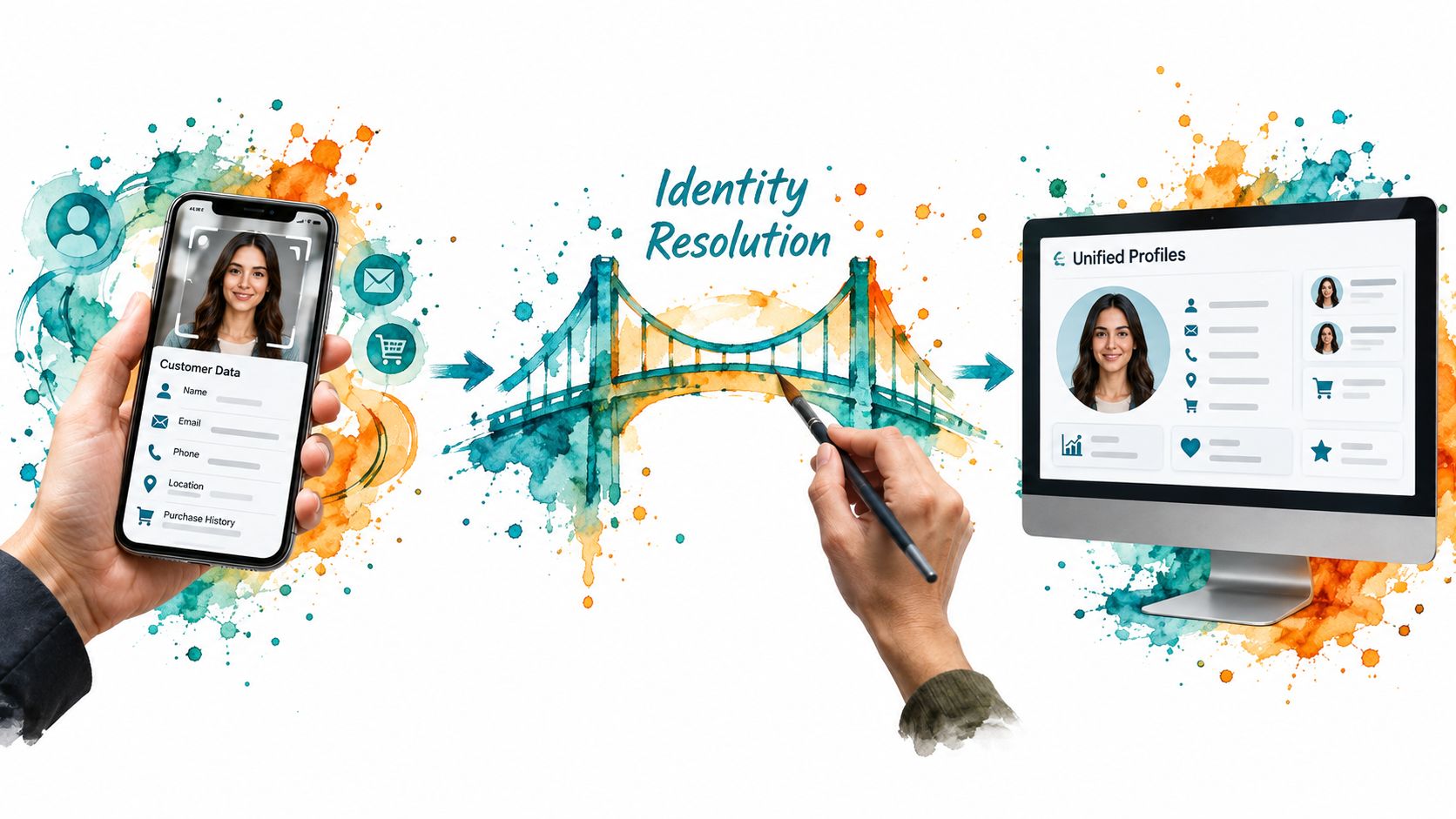
You need one source of truth for customer identity. That means consolidating email, phone, purchase history, support conversations, and review behavior into unified profiles.
Privacy pressure makes this even more important. 78% of businesses consider first-party data their most valuable personalization resource, 50% say privacy regulations have made personalization more difficult, and 53% are upgrading customer data technology because of privacy changes (Contentful personalization statistics). If your stack still depends on fragmented identifiers and weak consent tracking, it won't age well.
Use your CRM to define identity resolution rules early. Decide how duplicate contacts are merged, how anonymous behavior becomes known, and which events matter to revenue. A browse event is nice. A repeat purchase, refund request, or negative review is better.
Connect the systems buyers actually touch
The next job is integration. Ecommerce, helpdesk, messaging, reviews, and ad audiences need to pass signals in real time or close to it.
Many SMBs should simplify, not expand. One option is a setup like The Advertising Suite, where CRM and review management sit inside the operating stack so campaign execution, customer records, and reputation workflows can share context without as many manual patches.
If your current setup is fragmented, start by mapping the data paths inside a marketing data integration plan. Don't ask whether two tools “connect.” Ask whether the connection moves a revenue-relevant signal quickly enough to trigger the right action.
Operating principle: Every integration should answer one question. What customer behavior happened, and what should the business do next?
Build the highest-leverage workflows first
Don't start with ten automations. Start with the two or three that touch money fastest.
Good early candidates include post-purchase onboarding, review requests with sentiment routing, browse or cart abandonment, and support triage for repetitive questions. These workflows are high-volume, easy to observe, and simple to improve.
Bad early candidates include highly customized edge cases and executive pet ideas with no measurable outcome.
Add a real testing layer
Most SMBs say they test. What they usually mean is they changed copy and watched the dashboard.
Real testing means holdouts, controlled variants, and a written hypothesis. If you shorten the post-purchase sequence, what outcome should improve? If you add human escalation earlier, what metric should stabilize? Write it down. Then review the result against the KPI map.
A disciplined cadence helps. Weekly checks catch operational issues fast. Monthly reviews show pattern quality. Quarterly audits decide what expands, pauses, or gets rebuilt.
Tie measurement to business decisions
Independent ROI evidence supports taking this seriously. A Forrester-derived estimate cited in a cloud ROI document reported a 207% return on investment over three years with payback in under six months. The same source says nearly nine in ten early adopters of agentic AI report positive ROI, and cites 6 to 10% user-experience improvement among executives who saw CX gains (ROI document on AI in customer experience).
The important part isn't the headline ROI. It's where the gains usually come from. Better deflection, faster resolution, and lower handle time. That's why your dashboard should connect service outcomes to repeat behavior, not report them separately.
Pitfalls, Privacy, and Governance to Plan For
More automation doesn't automatically mean better customer experience. In a lot of SMBs, it means more ways to annoy people at scale.
The first failure mode is the bot loop. The customer asks a simple question, gets trapped in canned replies, and leaves irritated. The second is over-messaging. Teams pile on email and SMS because the flows are easy to launch, then wonder why deliverability and response quality drop. The third is bad review handling. Asking every customer for a review without regard for policy, sentiment, or timing is how brands create public messes.
Common CX Automation Pitfalls and the Controls That Prevent Them
| Pitfall | Preventive Control | Owner |
|---|---|---|
| Bot loop on complex issues | Set escalation thresholds based on failed intent, repeat replies, or negative sentiment | Support lead |
| Email and SMS oversaturation | Use suppression logic, contact frequency caps, and channel priority rules | Lifecycle manager |
| Poorly timed review requests | Trigger from delivery or service completion and route unhappy customers to support first | Reputation owner |
| Data drift between systems | Run sync audits and profile checks on a fixed cadence | CRM admin |
| Non-compliant consent capture | Standardize consent language and store timestamped permissions | Compliance owner |
| Underperforming automation left running | Create a kill switch and weekly performance review | CX owner |
Privacy has to be built in early
Privacy and compliance aren't back-office chores. They shape the experience.
If you operate under GDPR, CCPA, TCPA, or evolving FTC guidance, your flows need consent capture, preference management, suppression rules, and clear escalation paths before launch. That's especially true when automation touches SMS, review outreach, or AI-assisted service.
A practical guide on data privacy in marketing should sit next to your workflow documentation, not in a separate folder nobody opens.
Research on the operational side makes the same point. 50% of leaders say they will meaningfully increase AI investment in CX in 2025, and 99% of CX organizations already use automation, yet many still struggle with execution quality, handoffs, and proving ROI.
Good governance is simple. Name owners, document the playbook, audit the flows, and shut off anything that harms trust.
A Day in the Life of an Automated CX Stack
A seven-figure skincare brand launches a paid campaign in the morning. A shopper clicks, lands on a product page, browses two collections, and joins a tagged audience inside the CRM. The system doesn't just log the click. It records source, product interest, and session behavior so the next touch has context.
That shopper buys before lunch. The post-purchase workflow starts immediately. The first message confirms the order and sets expectations. Later that day, a second touch explains product use and answers common questions that usually create support tickets.
Two days after delivery confirmation, the review flow checks for support friction before asking for feedback. If the customer had a clean experience, the request goes out. If sentiment has dipped because they opened a complaint or asked for help twice, the automation pauses the ask and routes the case to a human.
The next evening, the same customer returns, browses a complementary product, and leaves without buying. The CRM already knows they're a recent first-time buyer with positive product engagement. The browse-abandon sequence fires the next morning with a relevant follow-up instead of a generic discount blast.
Nothing about that journey feels robotic if the profile is unified and the handoffs are sane.
The best automated CX stacks don't replace people. They protect people from doing repetitive work so they can step in when judgment matters.
Your 30-Day CX Automation Quick Playbook
Most SMBs don't need a six-month transformation plan. They need one month of disciplined execution.
Week-by-week sprint
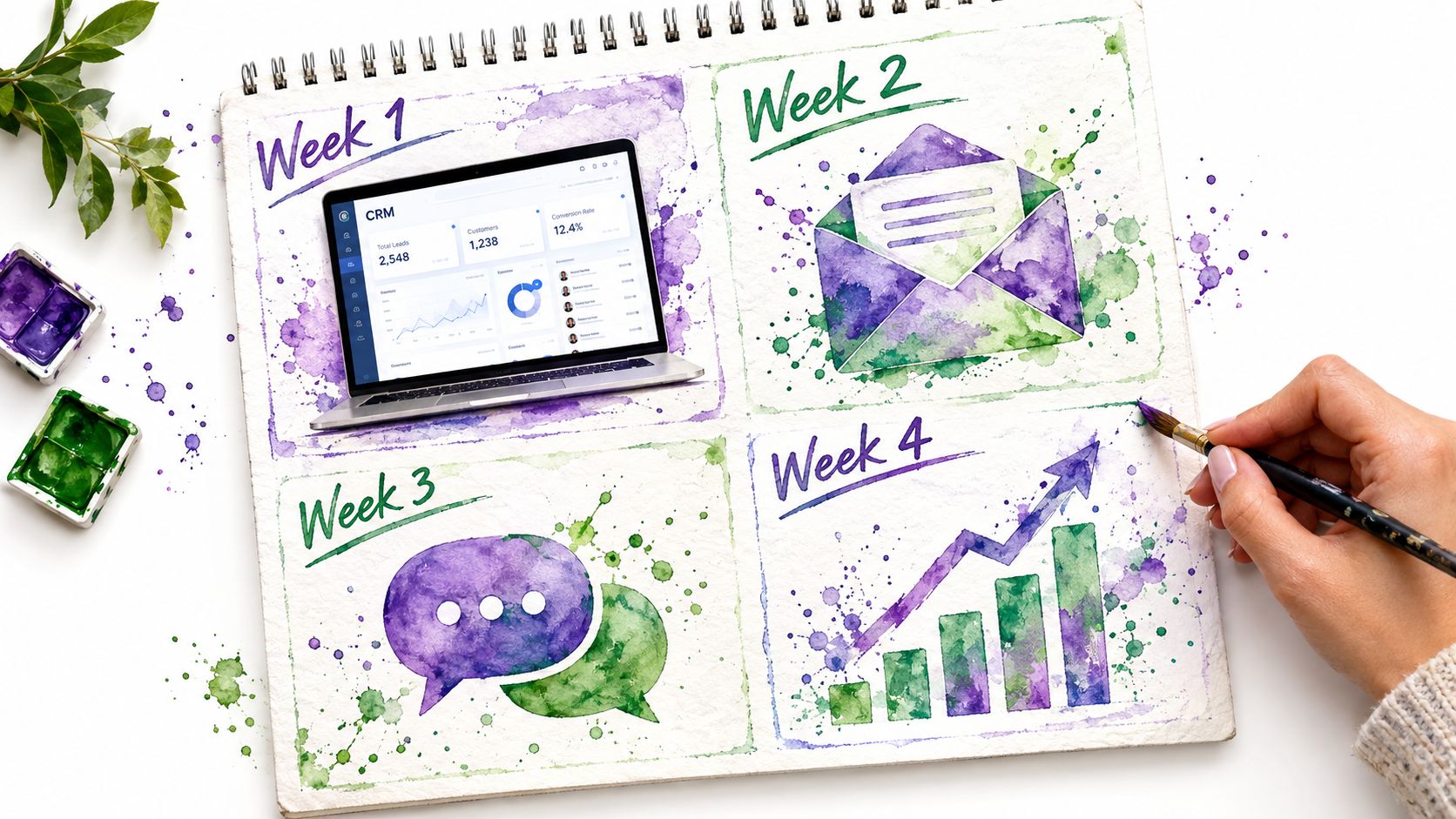
- Week one: Wire your CRM to capture source, lifecycle stage, review status, and repeat purchase behavior. Put three baseline numbers on one dashboard: response time, repeat rate, and review count.
- Week two: Launch only two workflows. First, a post-purchase nurture that supports onboarding and drives reviews. Second, a browse or cart abandon flow that routes high-intent signals to a human instead of pushing every lead into the same sequence.
- Week three: Stress-test consent capture, suppression rules, and escalation paths. Then compare automated cohorts against a simple holdout so you can see whether the flows are helping.
- Week four: Review the numbers, pause what underperforms, refine what's working, and queue the next two workflows.
This is also where membership economics matter. If you need ongoing execution, the Ad Suite Membership gives a 25% discount on all services and grants access to the proprietary CRM, which is useful when you want one operating layer instead of disconnected fixes. It also turns the build into a shipping cadence instead of a one-time setup.
If your business is already scaling, customer experience automation shouldn't be treated like a software purchase. It should be treated like adding infrastructure and operators to your team.
The Advertising Suite helps SMBs turn customer experience automation into a revenue system by connecting paid media, CRM, reputation management, and conversion tracking inside one operating model. If you're tired of vanity metrics and want a growth-focused partner that acts like an extension of your team, visit The Advertising Suite.