Most advice about paid acquisition is stuck in the same tired loop. Spend more in the feed, celebrate cheap clicks, then act surprised when the pipeline is full of people who never buy. If that sounds familiar, your problem isn't effort. It's channel fit.
If you want to advertise in Gmail, stop treating it like a quirky side placement. Used properly, it's a direct-response inbox channel with intent, targeting depth, and room to outmaneuver bigger advertisers that are too busy chasing noisy platforms. That matters if you're trying to build revenue, not a scrapbook of campaign screenshots.
A lot of businesses ignore Gmail because it feels old. That's lazy thinking. The inbox is where people evaluate offers, compare vendors, save options, and come back when they're ready to act. Done right, Gmail becomes a profit center, not a vanity project. That's a big reason why over 10,000 satisfied customers have trusted a revenue-first approach that ties ad execution to customer experience, follow-up, and pipeline control.
Your Next Customer is Hiding in Their Inbox
The market has been oversold on feeds. Feeds are loud, crowded, and built to distract. Inbox environments are different. People use them to organize decisions.
That's why Gmail advertising deserves a harder look from any business tired of paying for attention that never turns into revenue. If you're an agency-burned founder, you already know the pattern. Reports look busy. Clicks come in. Sales don't.
Inbox attention is different
When someone opens their inbox, they're not swiping out of boredom. They're checking updates, reviewing offers, confirming appointments, and comparing providers. That behavior matters more than another burst of low-intent traffic.
Gmail ads fit into that environment without screaming for attention. They appear like promoted email teasers, then expand into a full email-style experience once clicked. That gives you more room to sell than a cramped social placement and more context than a generic banner.
Practical rule: If a channel can't connect to actual pipeline movement, it doesn't deserve more budget.
Most businesses are using the wrong scorecard
The usual playbook obsesses over reach, impressions, and raw clicks. That's how businesses get trapped buying motion instead of outcomes. Gmail rewards a better approach. You can align message, audience, and follow-up in a way that supports actual sales activity.
Three reasons this matters:
- Higher intent: Inbox users are already in decision mode.
- Better context: Your ad can feel like a useful message, not an interruption.
- Cleaner path to revenue: The click can lead into a quote flow, booking flow, or nurture sequence that gets managed.
If you advertise in Gmail without a post-click system, you're still wasting money. But if you pair it with solid follow-up, a CRM, and disciplined sales handling, you're finally building something that compounds.
The missed opportunity
Bigger advertisers often overlook smaller, cleaner channels because they default to broad campaigns. That creates openings for smart SMBs. Gmail is one of those openings.
Not because it's trendy. Because it's underused, commercially relevant, and often handled badly by people who confuse campaign activity with business growth.
Why Your Ads Belong in the Inbox Not Just the Feed
Social feeds are crowded, expensive, and full of low-commitment scrolling. The inbox is different. People open it to review offers, compare options, confirm details, and make decisions. If you want cheaper high-intent leads, especially as an SMB trying to outmaneuver bigger budgets, Gmail-only Demand Gen deserves a real seat in your acquisition plan.

What the format actually looks like
Gmail ads show up as a collapsed Sponsored message inside the inbox, then expand into a full email-style unit after the click. That expanded experience gives you space to explain the offer, handle objections, and push a clear next step, as outlined in this Gmail ad format breakdown.
That matters more than many businesses realize.
A feed ad usually gets one weak shot. A Gmail placement can carry a buyer from curiosity to action in the same environment. For service businesses, that means more room for quote requests, booking prompts, financing language, trust signals, and offer details that would get crushed in a standard social placement.
Reach is massive. Waste is optional.
Gmail has enormous user reach, according to Google's Gmail product page. Scale is available. The core question is whether you're showing up with buyer context or just buying another cheap click that dies in your CRM.
That's why Gmail works so well for SMBs with discipline. Bigger advertisers often throw budget at broad campaigns because they can afford sloppy targeting. Smaller businesses cannot. A Gmail-only Demand Gen campaign forces better thinking. Tighter audiences. Sharper offers. Cleaner follow-up.
If you already know who buys, why they buy, and what sales step should happen next, Gmail can punch above its weight. If you don't, fix your segmentation first with a practical framework for building buyer personas around real buying behavior.
Why the inbox beats broad social noise
Gmail earns budget for three reasons:
- It reaches buyers in a decision-friendly environment: People check email to process information, not to kill time.
- It supports warmer audience strategy: Remarketing, intent signals, and known interest matter more here than broad awareness plays.
- It fits a revenue-first CRM system: Clicks can route straight into booking flows, lead capture, pipeline stages, and follow-up sequences your sales team can work.
That last point is where businesses either print money or burn it.
A Gmail campaign without CRM discipline is just another traffic source. A Gmail campaign tied to lifecycle stages, lead scoring, speed-to-lead rules, and sales accountability becomes a lower-cost pipeline engine. That is the missed opportunity. SMBs can use inbox placements to capture high-intent demand before larger competitors bother to get specific.
The Pre-Launch Checklist for Profitable Campaigns
Launching before your foundation is ready is how good channels get blamed for bad execution. Gmail isn't the problem. Sloppy setup is.
Start with the audience, not the ad
Before you write a teaser line or upload an image, get brutally clear on who should see the campaign. Gmail targeting works best when the audience definition reflects real buying behavior, not made-up personas someone scribbled onto a slide deck.
If your team needs to tighten that up, build from practical segmentation rules like the ones in this guide on how to create buyer personas. Focus on triggers, objections, urgency, and the exact moment a buyer starts comparing options.
Use this pre-flight filter:
- Problem-aware buyers: They know they need a solution.
- Comparison-stage buyers: They're reviewing providers, features, or offers.
- Warm past visitors: They already know your brand and need a reason to re-engage.
Fix the bucket before you pour traffic in
A Gmail campaign can send qualified people into your funnel. It cannot rescue a broken funnel.
If the landing page is vague, slow, or unfocused, performance will stall. If the lead form is awkward, people will bail. If nobody follows up fast, your team will blame the ads when the actual issue is internal.
Here's the checklist that matters:
- Message match: The landing page must continue the promise made in the ad.
- Single next step: Quote, book, call, or claim. Pick one.
- Lead handling: Every inquiry needs routing, reminders, and follow-up.
- CRM visibility: You need to see which inbox leads became real opportunities.
Traffic without lead management is just a more expensive leak.
Stay compliant and respect privacy
Smart operators don't build campaigns on creepy shortcuts. Google explicitly prohibits using sensitive information such as health status, race, religion, or sexual orientation for ad personalization, and it does not use content stored or created in user emails for that purpose, as outlined in Google's ads data and privacy policy.
That's good. You want intent-based targeting, not reckless targeting.
Know what you need before launch
A simple pre-launch review can save weeks of wasted spend.
| Item | What to check |
|---|---|
| Audience | Clear segment with real purchase intent |
| Offer | Specific, timely, and commercially relevant |
| Landing page | Tight message match and one primary action |
| Follow-up | Automated and manual response plan in place |
| Reporting | Revenue path from click to closed deal |
If one of those is missing, wait. Launching faster isn't the win. Launching profitably is.
How to Build Your First High-Intent Gmail Campaign
The biggest mistake I see is businesses choosing the broadest setup, then wondering why results are muddy. If you want to advertise in Gmail properly, narrow the delivery and force the platform to prove itself.

Use a Gmail-only path when possible
One of the most overlooked opportunities right now is Gmail-exclusive Demand Gen. Google's 2025 to 2026 update allows channel-level selection so advertisers can choose only Gmail inside Demand Gen, creating a focused inbox-only test path, according to this report on Gmail-exclusive Demand Gen.
That matters because mixed-channel campaigns muddy the signal. If you want to know whether Gmail can produce qualified leads, isolate it.
If you're using the Display-side workflow, Gmail ads are also built through the newer interface by selecting the Gmail ad format. Either way, the principle is the same. Keep the test clean.
Build around audience intent
A high-intent Gmail campaign usually starts with one of these audience types:
- Customer Match remarketing: Reach people already in your world.
- Domain-based targeting: Reach people receiving messages from relevant domains and likely evaluating options.
- Segmented lists: Separate warm leads, old inquiries, and existing customers so the message fits the relationship.
If you're fuzzy on segmentation, fix that before you spend. This practical breakdown of audience segmentation is worth using as a gut check.
Keep the budget sane and the learning fast
Gmail is attractive because it can be cheap without being junk. In 2025, advertisers achieved click-through costs as low as $0.10 per click and lead generation costs as low as $7, according to this Gmail Ads cost analysis.
That same source recommends starting with $20 to $50 per day for tests, representing 10 to 15% of total ad spend. That's the right mindset. Start controlled. Gather signal. Scale what proves itself.
A practical testing setup:
- Pick one offer: Not three. One.
- Choose one audience segment: Warm remarketing is usually the cleanest starting point.
- Run two to three creative angles: Keep the promise consistent, vary the framing.
- Use disciplined review cycles: Don't panic-edit every day.
Small budgets can still produce strong signal when the audience is right and the offer is clear.
Avoid autopilot thinking
Automation can help, but blind trust is expensive. Domain targeting, remarketing, and inbox creative all need human review. Check performance weekly. Look for bad-fit traffic, weak expansion behavior, and landing page drop-off.
If the campaign is getting attention but not pipeline movement, don't just tweak bids. Audit the message, the audience, and the handoff after the click. That's where most "platform problems" are hiding.
Designing Ad Creatives That Actually Drive Revenue
Inbox creative is a different animal. People tolerate a lot in social feeds. In Gmail, they delete first and judge your brand second. If your ad looks generic, you do not just lose a click. You train a high-intent buyer to ignore you next time.

Get the format right, then focus on money
A Gmail ad still has to meet the platform requirements. Collapsed ads need a 144px by 144px square logo with a 150KB max, up to 20 characters for the business name, and 90 characters for the description. Expanded ads can go up to 600 by 1000 pixels, and HTML5 or JavaScript is not allowed, according to this Gmail ad creative spec guide.
That keeps the ad eligible. Revenue comes from the message.
For SMBs, bigger competitors often blow it. They ship polished creative with soft copy, vague positioning, and zero connection to the sales process. You can beat that with a sharper offer, a cleaner CTA, and CRM tags that tell your team which message produced the lead.
Write for buyers who are close to a decision
A good Gmail ad should feel like a useful business email, not a banner ad stuffed into an inbox.
Bad copy usually has three problems. It says nothing specific, hides the outcome, and asks for a weak next step.
Examples:
- Generic teaser: Learn more about our solutions
- Vague body copy: We help businesses succeed with quality service
- Soft CTA: Explore options
That copy burns budget.
Use commercial language instead:
| Weak version | Revenue-focused version |
|---|---|
| Learn More | Get Your Quote Today |
| Trusted Solutions for Your Needs | Cut Downtime With Same-Day Service Booking |
| See What We Offer | Book a Consultation and Get Clear Pricing |
If you need sharper angles, study these headline frameworks for revenue-focused ads. Clever copy gets attention. Clear copy gets pipeline.
Practical Creative Rules
Strong Gmail creative follows a few simple rules:
- Lead with the result: Start with the payoff, not your company description.
- Sell one offer at a time: One ad, one promise, one next step.
- Match the click to the handoff: If the ad offers pricing, demo booking, or a quote, your CRM and follow-up should reflect that exact intent.
- Use urgency with discipline: Give the buyer a reason to act now, not fake pressure.
This matters more in Gmail-only Demand Gen campaigns because the traffic is often warmer than businesses expect. These people are already in a decision environment. Meet that moment with a direct offer and route every lead into the right revenue path inside your CRM.
Design for response, not compliments
Pretty creative does not pay the bills. Relevance does.
Your teaser has one job. Earn the open. Your expanded ad has one job. Make the next action obvious and worth it. If the image is polished but disconnected from the offer, response drops. If the copy sounds smart but the CTA feels timid, sales gets low-quality leads or no leads at all.
The best Gmail ads are blunt in the right way. Clear value. Specific outcome. Clean next step. That is how smaller businesses pull high-intent leads out of the inbox before bigger competitors even notice what happened.
Measuring What Matters and Optimizing for Profit
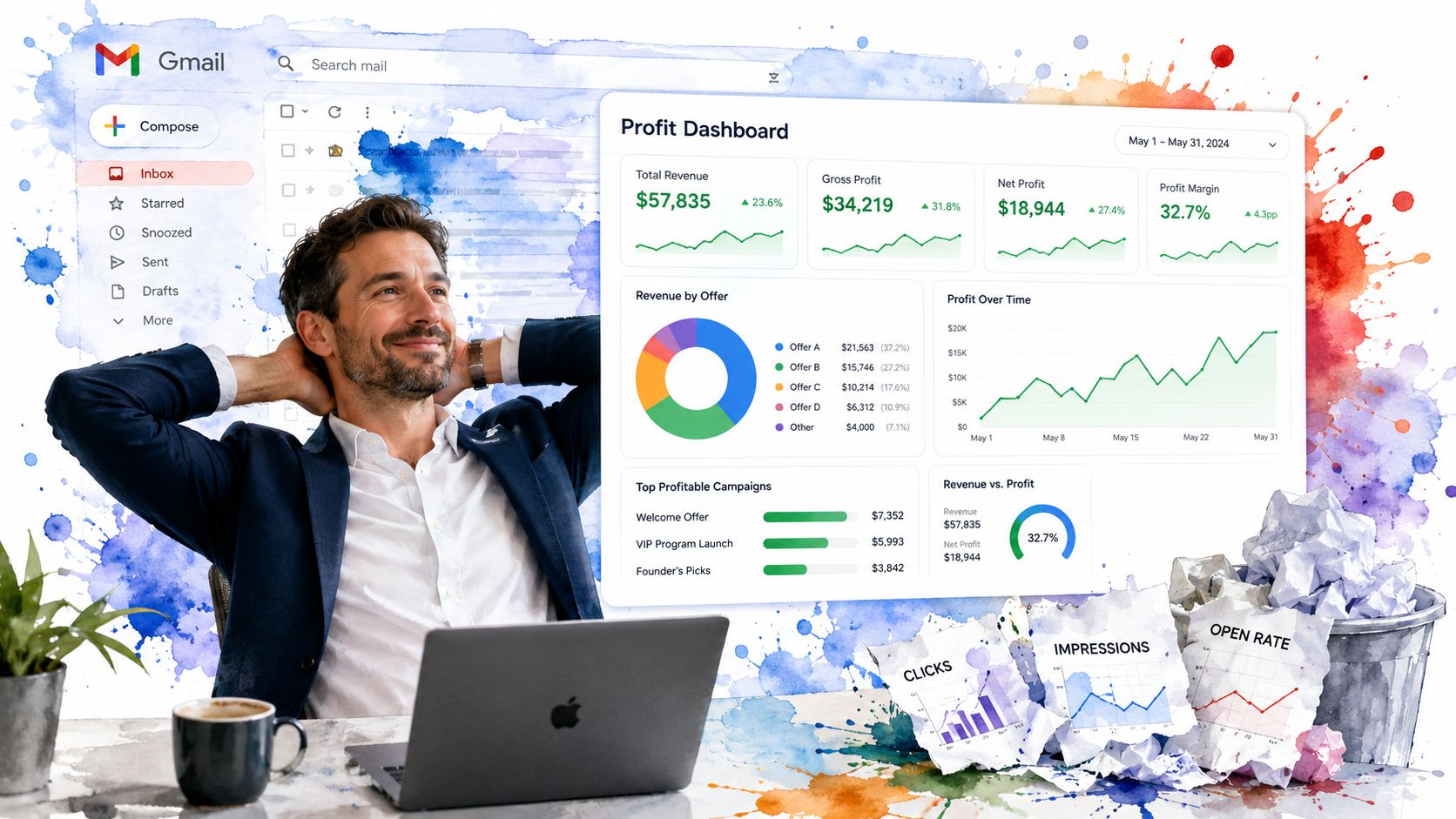
If your reporting starts and ends with clicks, you're not measuring marketing. You're measuring motion.
Start with Gmail-native reality
Gmail Ads run on standard CPC pricing, and you're charged when a user clicks the teaser to expand the ad, not for impressions. A Quality Score exists, but it isn't visible, which makes email CTR the most reliable indicator of ad health, according to this Gmail Ads performance discussion.
That last point trips people up. They look for the usual platform scorecard and miss the signal that matters at this stage.
Use a tiered measurement model
A smarter Gmail measurement flow looks like this:
Engagement first
Check whether the audience is opening the expanded experience, saving it, or forwarding it when those signals are available.Website action next
Once engagement is healthy, look at site clicks and page behavior.Revenue last, but not least
Follow leads into opportunities, closed deals, and margin contribution.
This prevents a common mistake. People kill a campaign before it has enough signal because they expect bottom-funnel behavior from an upper-funnel placement.
Bottom-line lens: A lead that never gets tracked to revenue is just a hopeful guess in a dashboard.
Tie ad activity to actual economics
Most reporting falters at this stage. The ad manager celebrates cost metrics. The sales team says the leads are mixed. Finance still can't tell what produced profit.
Fix that by reviewing campaigns against contribution, not just acquisition. If your team needs a better framework, this primer on contribution margin analysis helps connect ad spend to real business value.
Ask harder questions:
- Did inbox leads book appointments?
- Did booked appointments turn into qualified pipeline?
- Did closed deals justify the spend after service delivery costs?
Optimization should follow evidence
When a Gmail campaign underperforms, don't immediately rewrite everything. Diagnose it.
If CTR is weak, the teaser or audience is off. If engagement is fine but site action is weak, the landing page is the problem. If leads arrive but revenue stalls, sales handling or offer quality needs work.
That's optimization. Not random button-clicking inside an ad account.
Let Us Be the Growth Partner You Actually Need
The quiet advantage in Gmail right now is simple. Many larger advertisers still overlook Gmail-only Demand Gen setups, even after the 2025 to 2026 update that allows channel-level selection and creates a path for SMBs to capture high-intent, privacy-safe leads in the inbox without paid social noise, as covered in the earlier WordStream-linked section.
That creates an opening for disciplined businesses. Not the loudest ones. The sharpest ones.
Gmail works best inside a real growth system
Inbox campaigns can generate attention. Revenue comes from the system around them.
You need three pieces working together:
- Focused acquisition: Tight audience control and strong creative
- Reliable conversion path: Landing pages, forms, booking flows, and follow-up
- Operational visibility: CRM tracking, pipeline stages, and review management that protects the customer experience
That's why a standalone campaign rarely reaches its ceiling. Gmail performs better when it's part of a broader performance system, like the kind outlined in performance marketing solutions.
The smart move for SMBs
If you're smaller than the brands dominating obvious channels, stop fighting them on their turf. Test the underused lane where intent is stronger and noise is lower.
If you're managing this in-house, keep the campaign focused and the measurement honest.
If you're tired of agencies selling activity instead of outcomes, you're not looking for another vendor. You're looking for a team that treats acquisition, follow-up, and customer experience like one connected revenue engine.
If you're ready to stop wasting budget on vanity metrics and start building a real profit center, The Advertising Suite is built for exactly that. As a growth-tech hybrid, we combine human-led strategy with an integrated CRM and reputation ecosystem so your ad spend doesn't die at the click. You can Book a Growth Consult to get a revenue-first plan, or Explore the Membership to access the proprietary software plus a 25% discount on all services. Stop trying to be an advertising expert on top of running your business. Let our team be your team.