Most advice on marketing automation for small business is backwards.
It tells you to automate more. More emails. More reminders. More posts. More “touchpoints.” That's exactly how founders end up with bloated software, robotic follow-up, and a sales pipeline that looks busy but doesn't produce reliable revenue.
If you've been burned by agencies before, your skepticism is justified. Automation isn't a magic button. It's not passive income software. And it definitely isn't useful if it only helps you send prettier emails while leads still slip through the cracks.
The right way to think about automation is simpler and tougher: it should turn messy marketing activity into a controlled revenue system. That means your lead capture, follow-up, customer data, and reputation all need to work together. If they don't, you haven't built automation. You've built expensive admin.
Moving Beyond the Automation Hype
A lot of small business owners hear “automation” and think “set it once, walk away.” Bad idea.
Automation multiplies whatever is already in your business. If your lead handling is sloppy, automation makes it sloppier at scale. If your messaging feels generic, automation helps you sound generic faster. That's why so much advice misses the point. It focuses on what to automate first, not what should stay human.
The overlooked issue is clear in this small-business automation guidance from LeadsBridge, which notes that many guides focus on email, lead routing, and social scheduling while offering far less help on what not to automate. That gap matters because over-automation can amplify bad data and create impersonal customer experiences for lean teams.
Automation should protect revenue, not just save time
Small businesses don't need more disconnected tools. They need fewer leaks.
That means treating automation as part of an integrated operating system for growth. A lead comes in. The contact record is captured correctly. The right follow-up happens fast. The sales conversation is tracked. The customer experience continues after the sale. Reviews get requested. Cold leads get reactivated later. That's the system.
Practical rule: If an automation doesn't help you capture, convert, retain, or reactivate revenue, it's probably busywork.
Often, most founders get sold the wrong thing. They buy a scheduling tool, an email tool, a form tool, and a review tool, then wonder why nobody can tell which campaigns produce money. Fragmented software creates fragmented accountability.
A stronger approach is to build around unified data, clear ownership, and measurable outcomes. That's the difference between random automations and a real growth engine. If you want a cleaner framework for that, these data-driven marketing solutions show the mindset shift well.
What not to automate
Founders should keep three moments high-touch:
- Complex sales conversations: If the purchase needs trust, nuance, or objection handling, a human should step in.
- Customer recovery moments: Complaints, billing problems, and service failures should never feel scripted.
- High-value relationship building: Good clients stay longer when they feel known, not processed.
Automation should handle the repetitive parts around those moments, not replace judgment.
This is the reframe. Marketing automation for small business isn't about removing humans. It's about removing friction so your team can spend human energy where it produces revenue.
Why Your Current Marketing Feels Like a Grind
Your marketing feels heavy because too much of it depends on memory, manual effort, and luck.
Leads arrive from ads, forms, calls, and referrals. Someone means to follow up. Someone forgets. Another lead gets a delayed response. A past customer would buy again, but nobody reaches out. You're paying to create demand, then leaving conversion to chance.
That isn't a traffic problem. It's a systems problem.

The business case is already strong. According to Emarsys marketing automation statistics, the global market is projected to reach $15.58 billion by 2030, every $1 invested in automation returns $5.44 over three years, 80% of users see improved lead generation, and 77% see increased conversions. Founders don't need another lecture on efficiency. They need to see that automation can become a profit center.
The three problems killing momentum
Most SMBs hit the same wall.
Follow-up is inconsistent
A lead that should get a fast confirmation, a helpful next step, and a sales handoff instead gets silence or a generic reply hours later.Personalization breaks under pressure
Once volume increases, the customer experience becomes one-size-fits-all. New leads, repeat buyers, and dormant contacts all get treated the same.Reporting doesn't answer real business questions
You can see opens, clicks, and maybe form fills, but you can't clearly connect spend to closed revenue and retention.
The grind usually isn't caused by a lack of effort. It's caused by too many handoffs and too little system design.
What a good automation system changes
A strong setup gives you three practical advantages:
It reclaims time where time is wasted most
Manual reminders, repetitive follow-up, and status chasing stop eating the week.It personalizes at scale without chaos
Different leads enter different paths based on source, interest, or behavior. That feels more relevant and converts better than batch-and-blast messaging.It improves decisions because the data lives in one place
You can see what happened before the sale, not just which ad got the click.
That's why marketing automation for small business should be tied directly to customer journey design, not treated as a side project. This is especially true when you're trying to improve customer experience optimization, because poor handoffs after the click are often where revenue gets lost.
Stop measuring activity. Start measuring movement.
Founders get stuck when they confuse motion with progress.
A campaign that generates “engagement” but doesn't create booked calls, repeat purchases, or review volume isn't carrying its weight. A system that shortens response time, cleans up lead handling, and keeps customers warm after the sale is.
That's the shift. You're not buying automation to feel more organized. You're investing in a machine that should help revenue move faster and more predictably.
Four Revenue-Driving Workflows to Automate Now
Small businesses don't need a dozen automations on day one. They need a few that pull real weight.
The fastest wins usually come from workflows tied to the money path: lead capture, purchase recovery, reputation building, and reactivation. That's where automation stops being theory and starts acting like infrastructure.

The wider market is already there. In HubSpot's 2026 marketing statistics, 47% of marketers say they use automation for process efficiency, 93% use it for administrative tasks like scheduling, and 92% use it for data analysis and reporting. That matters because automation now sits inside operations and decision-making, not just email scheduling.
New lead welcome and nurture
This is the first workflow I'd build for almost any service business.
A new inquiry should never land in a generic inbox and wait for someone to “get to it.” The moment a lead raises a hand, your system should confirm receipt, set expectations, and move them toward the next revenue step.
A practical version looks like this:
- Immediate confirmation: The lead gets a fast reply that acknowledges the inquiry and tells them what happens next.
- Short trust-building sequence: Over the next few days, they receive useful information that answers common buying questions.
- Sales handoff trigger: If they book, reply, or hit a key page, the right team member gets notified to step in.
This workflow matters because first impressions shape close rates. It also stops sales teams from wasting time on leads who never got proper context in the first place.
Abandoned cart or abandoned intent recovery
For ecommerce, this means unfinished checkouts. For service businesses, it often means someone started booking, requested pricing, or visited a high-intent page and didn't convert.
The mistake is sending one generic reminder. The better move is sequencing the follow-up around intent.
Start with a simple reminder. Then address friction. Then give a reason to return. Keep the messages focused on completion, not cleverness.
Revenue lens: Recovery workflows work because they target people who already showed intent. That's closer to revenue than chasing another cold click.
A solid setup can also suppress these contacts from irrelevant campaigns until they either convert or cool off. That keeps your messaging tighter.
Post-service review request
This one gets ignored far too often, especially by local service businesses.
A completed job, appointment, or purchase should trigger a review request while the experience is still fresh. Not a month later. Not when someone remembers. Right away, with the right channel and a clear ask.
Why it matters:
- Reviews improve trust for future buyers
- They reinforce satisfaction after the sale
- They turn customer experience into a marketing asset
This is one place where an integrated CRM and reputation system beats disconnected software. The service milestone, customer record, and follow-up request can all live in one workflow instead of requiring manual exports and reminders.
If you want to see how structured workflows support that kind of consistency, this overview of marketing automation workflow design is worth reviewing.
Cold lead re-engagement
Most businesses have money sitting in old contacts.
People asked for a quote. Downloaded something. Booked once and went quiet. Had a real need, then got distracted. Those contacts are often better opportunities than completely new traffic, but they get ignored because nobody owns the follow-up.
A re-engagement sequence should do three things:
- Segment the cold audience by prior interest, purchase stage, or customer history.
- Send a relevant reason to re-engage such as an update, timely offer, or useful prompt.
- Route active responses back into the main sales path so they don't stay in limbo.
This workflow is where small businesses often recover hidden revenue without increasing ad spend. It also teaches an important lesson. Marketing automation for small business works best when it activates existing demand before it goes looking for more.
How to Choose Your Automation Platform
Most businesses choose the wrong platform for one reason. They shop for features instead of outcomes.
A standalone tool often looks cheaper up front. Then the hidden cost shows up. Data lives in different places, handoffs break, reporting gets fuzzy, and your team spends more time managing software than moving leads. That's not savings. That's operational debt.
The better question is simple: Will this platform help you run one connected revenue process?
Platforms with visual workflow builders and native CRM integration see a 50% reduction in campaign launch time and a 20% increase in customer retention. Those unified workflows also deliver a 35% higher return on ad spend than disconnected tools. Those are not cosmetic improvements. They affect speed, retention, and efficiency in the places that matter most.
What to look for first
Before you care about templates or flashy dashboards, check these fundamentals:
Native CRM integration
Your contact records, sales activity, and marketing triggers need to share the same truth.Visual workflow builders
If your team can't see the journey, they won't manage it well. Simplicity matters.Flexible pricing that won't punish growth
If every database increase creates a pricing shock, your automation will become something you're scared to use fully.Usable reporting
You need reporting that helps you connect activity to pipeline movement and customer value.Support beyond a help desk
Founders don't just need software answers. They need implementation guidance tied to growth goals.
Platform choice comparison
| Criterion | Standalone Tool Approach | Integrated Ecosystem Approach |
|---|---|---|
| Customer data | Lives across separate systems and spreadsheets | Lives in one connected record |
| Workflow setup | Requires patching tools together | Runs from shared triggers and unified logic |
| Reporting | Shows fragments of performance | Shows a cleaner view of the customer journey |
| Team execution | Creates handoff confusion | Gives marketing and sales a shared system |
| Scale | Gets messier as volume grows | Gets stronger when the process is sound |
Buy for the system you want to run in a year, not the cheap workaround that only survives this month.
The red flags that should stop you
Walk away if the platform forces you into workarounds for basic tasks. Walk away if the CRM connection feels superficial. Walk away if the reporting only tells you what happened in one channel instead of across the journey.
Founders also need to think about data ownership. If your customer data is fragmented, your automation will stay shallow. That's why a strong first-party data strategy matters so much. The platform is only as good as the customer intelligence it can act on.
The best automation platform isn't the one with the longest feature list. It's the one that makes revenue operations easier to manage, easier to measure, and harder to break.
Your First 90 Days an Implementation Roadmap
The biggest mistake in automation rollout is trying to build everything at once.
Small businesses do better when they install the foundation, launch one core workflow, then expand with discipline. You do not need a giant automation map. You need a controlled start that produces early wins and avoids bad data poisoning the system.
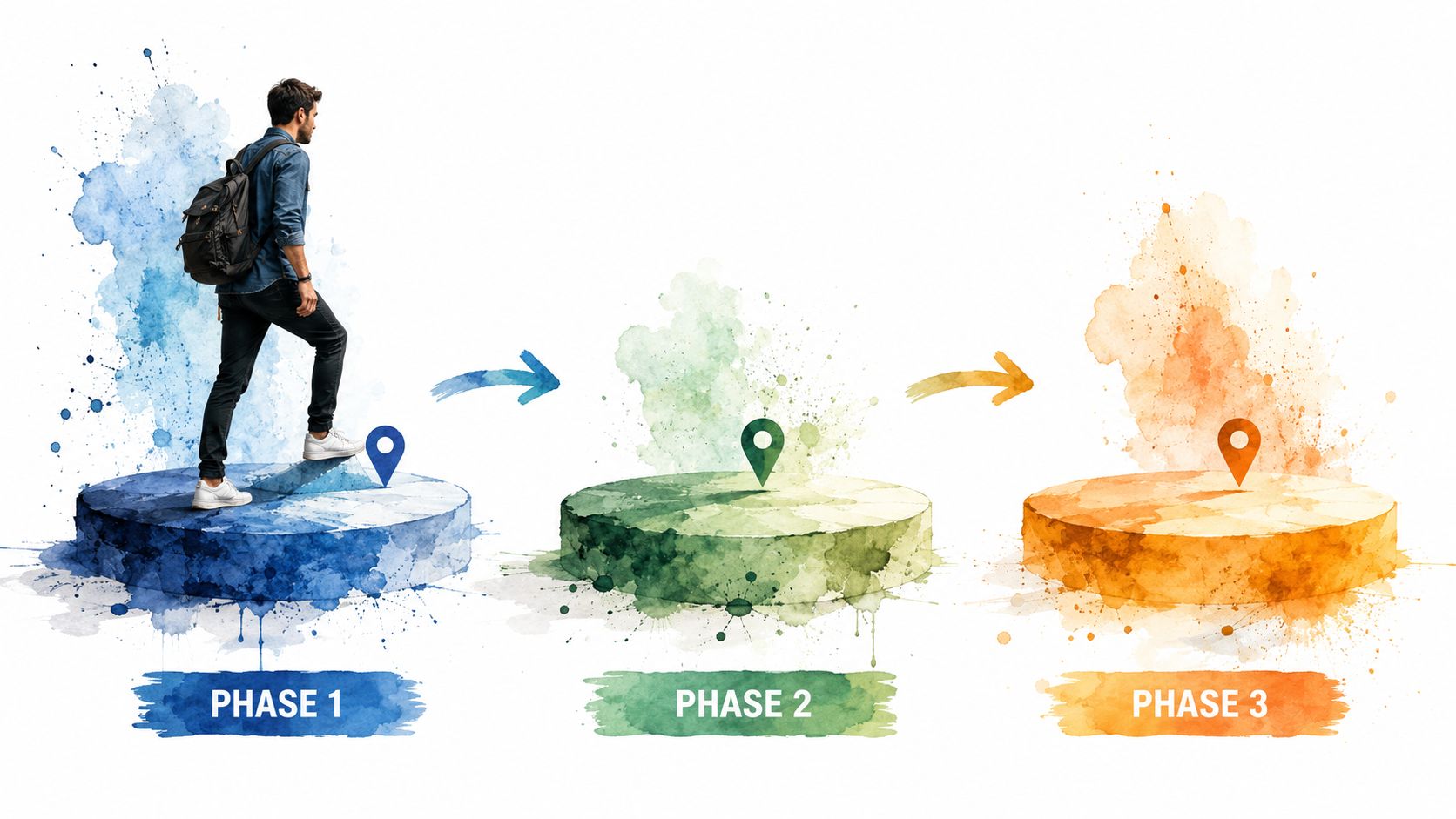
A clean contact records protocol with 99.5%+ email accuracy is the prerequisite. It drives a 30-40% increase in open rates, reduces bounce-related domain damage by 25%, and businesses that clean data before setup see 20% faster adoption of automation tools. Ignore data hygiene and you'll build broken journeys on top of bad records.
Days 1 to 30 build the foundation
Start with the database.
Remove duplicate contacts. Standardize key fields. Fix obvious errors. Decide what your stages mean, such as new lead, qualified lead, customer, and inactive contact. If your records are inconsistent, your segmentation and triggers will fail.
Then set up one basic workflow:
- Lead capture trigger: Every new inquiry enters the system the same way.
- Immediate response: The prospect gets a confirmation and next-step message.
- Internal visibility: Someone on your team can see the contact source and status without digging.
This first month is about reliability, not complexity.
Clean data first. Clever automation second.
Days 31 to 60 activate the core revenue path
Once the data is usable, expand the lead journey.
Build a short nurture sequence for your main offer. Define the actions that signal buying intent. Decide when a person should stay in automated follow-up and when a human should step in. This removes the awkward middle ground where everyone assumes someone else is handling the lead.
Use this period to define a few business-facing KPIs. Don't get lost in vanity metrics. Track the signals that show movement toward revenue, such as inquiry response consistency, booked next steps, and reactivation of older contacts.
A useful checkpoint list:
- Does every new lead receive the same baseline experience?
- Can your team see where a lead came from and what they've received?
- Do you know when the system should notify a human?
Days 61 to 90 optimize and expand
Now you improve what's already running.
Look for friction points. Tighten subject lines and message timing. Remove unnecessary steps. If leads are replying but not booking, your messaging may be too vague. If people open but don't act, your next step may be weak or confusing.
Then add a second workflow. For many service businesses, post-service review requests make sense here. For others, re-engagement of cold leads may yield faster value.
Keep the pace controlled:
- Review performance weekly
- Fix one bottleneck at a time
- Add only the next workflow your team can manage
That's how marketing automation for small business becomes stable instead of messy. A disciplined rollout beats an ambitious one every time.
From Ad Spend to Sustainable Growth
Automation is useful when it behaves like infrastructure. Not when it behaves like software clutter.
That's a critical shift. Stop thinking about marketing automation for small business as a stack of disconnected tools built to save a few admin hours. Start treating it like an integrated revenue ecosystem that captures demand, follows up consistently, supports the sales process, and strengthens retention after the sale.
When founders get this right, marketing gets less theatrical and more accountable. You stop chasing surface-level activity. You build a system that helps convert leads, protect customer experience, and give your team a clearer picture of what's producing revenue. If you want a sharper framework for that measurement piece, this guide to calculating marketing ROI is a strong place to start.
The businesses that win here aren't the ones with the most automations. They're the ones with the cleanest handoffs, the clearest data, and the discipline to automate only what supports growth.
If your current setup feels patched together, that's fixable. If your leads are slipping through the cracks, that's fixable. If your reporting still can't answer whether your marketing is making money, that's definitely fixable.
If you want a growth-focused partner that combines strategy, CRM infrastructure, and revenue-first execution, The Advertising Suite is built for exactly that. You can Book a Growth Consult to map out where your current funnel is leaking revenue, or Explore the Membership to access the proprietary CRM, reputation tools, and the built-in 25% discount on all services. That's the advantage of working with an extension of your team, not another vendor selling dashboards.