If your Google Business Profile is getting calls but the revenue still feels flat, the problem usually isn't visibility. It's what happens between the tap on Call and the job getting booked. Too many owners treat Google Business listing phone calls like a dashboard metric, then wonder why the phone rings and the pipeline still feels thin.
The smarter move is to treat every call as a revenue event. That means the profile has to be set up correctly, the source of each call has to be attributed cleanly, and the team has to answer, route, and follow up like each ring matters. Google's own support materials show call insights only within a rolling last six months window in the Performance section, which makes the native dashboard useful for recent monitoring but weak as a long-term record Google Business Profile support. If you need durable attribution, tighter reporting, or a real view into missed opportunities, the fix usually lives outside the profile itself.
Why Google Business Listing Phone Calls Are a Revenue Channel
A contractor can look busy on paper and still feel stuck in the field. The profile shows calls coming in, the team says the phones are active, and the month still ends with the same uneasy question, where did the work go? That gap is why Google Business listing phone calls should be managed as a revenue channel, not as a vanity stat.
The phone is still the clearest signal of intent in local search. A click can mean curiosity. A direction request can mean a visit that never turns into a conversation. A call usually means the buyer wants an answer now, and that carries a different level of intent. When a local buyer reaches for the phone, the business has a short window to qualify the need, build trust, and turn the conversation into an appointment or quote.
What a call really tells you
A call can signal urgency, price sensitivity, service fit, or simple readiness to buy. It can also signal a poor fit, which is why raw ring count is not enough. If the call lands after hours, hits voicemail, or reaches someone who cannot route it correctly, the profile still “performed” while revenue leaked out of the pipeline.
Practical rule: more calls are only better when they're qualified, attributed, answered, and booked.
That frame keeps the rest of the work honest. One part is setup inside the profile, one part is tracking, and one part is operational follow-through. If you only optimize the first part, you are just making the phone ring louder.
For a broader local search strategy that connects visibility to conversion, the profile should sit inside a full demand-capture system, not in a silo. Local search marketing guidance only makes sense when the call path, the response path, and the booking path are all aligned.
Common attribution gaps
Calls get counted, but a job lead and a wrong number are not the same thing. Teams celebrate answer volume, but they do not track missed-call recovery. They look at the profile as a listing, when it is really a front door.
The shift is simple in theory and messy in practice. You want the phone to do three jobs at once, capture intent, support attribution, and move the lead forward. If it cannot do all three, the business is leaving money on the table.
Enabling and Configuring Call Features in Google Business Profile
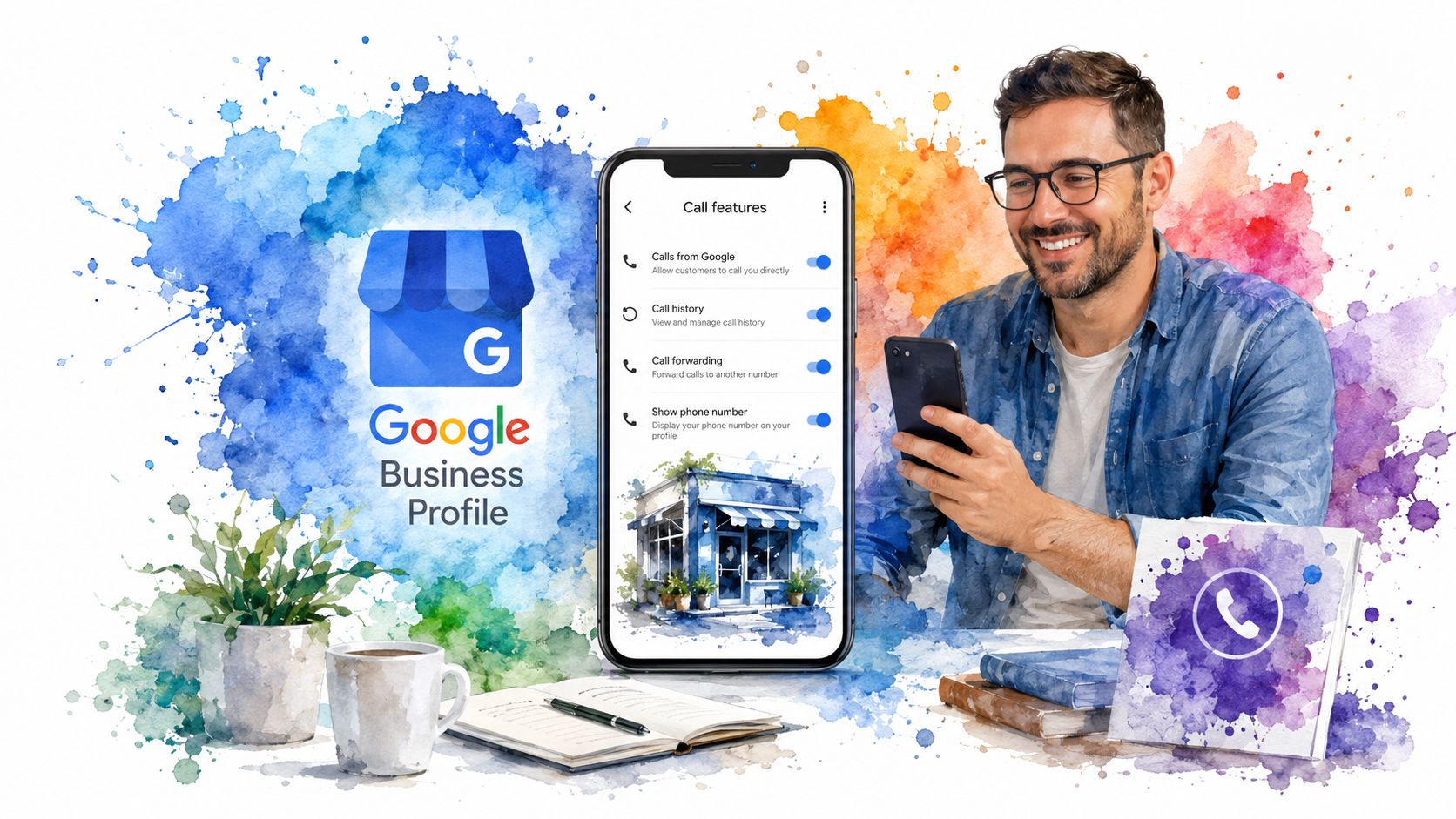
A Google Business Profile can only work as a call channel if the basics are clean. The phone field has to point to the number customers should trust, the hours have to match when someone can answer, and the visible contact options have to make it easy to act at the moment of intent. Google notes that call insights are available from the Performance section in Search, Maps, or Business Profile Manager, with reports available for selected timeframes, so the native dashboard still has value for recent operational review.
What still works natively
Google no longer offers call-history reporting in Business Profiles, but the profile still supports calls from Search and Maps. The listing can still generate demand, yet it no longer gives you a full native call log, so revenue can move through the front door without a clean audit trail industry analysis of Google's announcement.
Start with the primary phone number. It should match the line the customer expects to reach, not an old number from a buried footer or an outdated directory profile. If you use additional numbers, they need a clear role in the routing setup, because random extra numbers create confusion for customers and for internal reporting.
Hours carry the same weight. If the profile shows the business as open when no one is available to pick up, the listing is inviting calls that go straight to voicemail or dead ends. Match the visible hours to the actual answer window, not just the front desk schedule.
A reliable setup
- Primary phone match: Confirm the listed number is the actual business number customers should trust.
- Hours alignment: Make sure the visible hours reflect when someone can realistically answer.
- Click-to-call visibility: Check that mobile Search and Maps can surface the call action cleanly.
- Performance access: Open the Performance section and verify call reporting is visible for current periods.
- Reporting expectation: Treat the profile as a recent monitoring source, not a lifetime call record.
Messaging toggles can help for some businesses, but they do not replace a clean phone path. If the call button is visible, the key question is whether the profile gets a ready buyer through to a person who can answer, route, and book. That is where operational setup starts to matter more than the listing itself. For teams that need offline outcomes tied back to lead sources, offline conversion tracking guidance helps connect the profile to the revenue side of the pipeline.
Comparing Call Tracking Methods for GBP Calls
The right tracking method depends on what you need to know, not on what looks neat in a dashboard. Some businesses only need a quick pulse check. Others need source-level attribution that survives the handoff from search to sales. The difference decides whether native reporting is enough or whether a forwarding layer belongs in the stack.
| Call Tracking Methods for Google Business Profile Calls | What it attributes | Retention | Best fit |
|---|---|---|---|
| Native GBP performance data | Recent profile-driven calls, clicks, and direction requests inside Google's own interface | Rolling recent periods, with selected timeframes within the last six months | Owners who want simple monitoring and light operational review |
| Google Ads call conversions and call-only ads | Paid search calls tied to ad activity | Ad platform reporting windows | Businesses running paid campaigns that need ad-to-call visibility |
| Dedicated forwarding numbers | Call source, routing, and often call outcomes through a tracking platform | Depends on the platform and setup | Service brands and multi-location teams that need clean attribution |
| Session-based dynamic number insertion | Website session source, often connected to the visitor journey before the call | Depends on analytics and tool configuration | Businesses that want web-to-call attribution across sessions |
The native GBP view is useful, but it doesn't solve source confusion once the call leaves Google's interface. Google Ads call conversions help if paid search is the main driver. Forwarding numbers and session-based tracking are better when the business needs the call tied back to a source, a campaign, or a location.
Decision rule: if your lead volume is light and you only need a quick read on recent activity, native reporting may be enough. If calls are central to revenue, or if multiple channels influence the same lead, add a dedicated tracking layer.
Most mature local operators end up using two methods in parallel. They keep native GBP data for operational visibility, then use a separate attribution layer for source accuracy and CRM handoff. If your team cares about offline revenue, not just web activity, you'll want that structure mapped into the broader measurement plan offline conversion tracking guidance.
Setting Up Forwarding Numbers and Third-Party Call Tracking
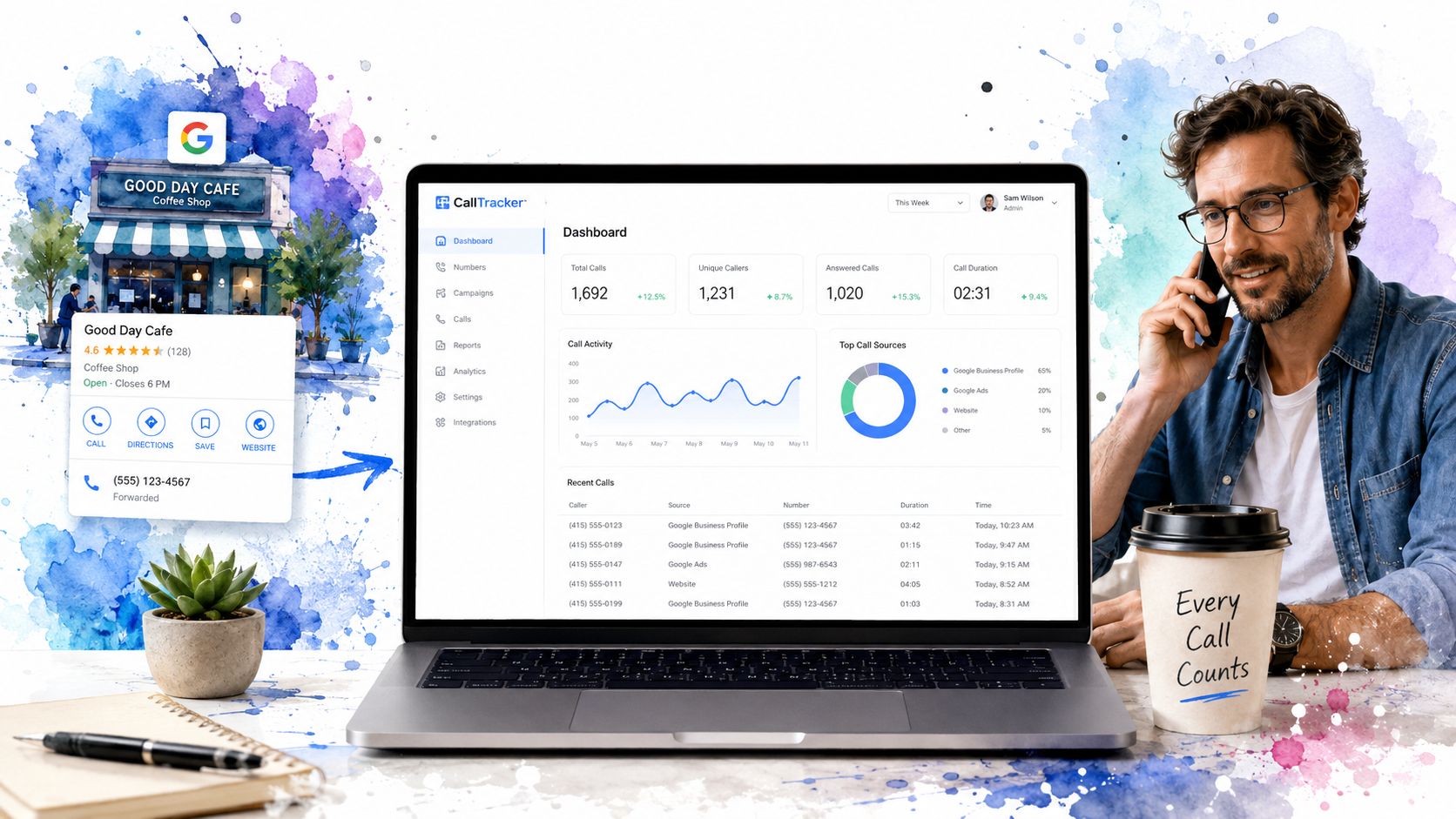
When the business needs reliable source attribution, a forwarding layer is the practical move. The setup has to protect the core business number, preserve source integrity, and keep the tracking logic from confusing the profile or the call platform. The fine print is where the details matter more than the pitch.
The setup that actually holds up
Start by keeping the real business number as the primary public line wherever consistency matters. Then place a dedicated tracking number into the profile only if the tracking system is configured to route correctly and preserve attribution. The goal is to avoid breaking trust with customers while still capturing usable data.
Add UTM parameters to the GBP website and appointment links so the call, click, and booking paths can be tied back to the same source view. Without that, the profile may still generate demand, but the downstream analytics start to blur into generic traffic. That's where teams see activity without being able to prove which location or listing produced it.
Common setup mistakes
- Inconsistent formatting: Use the same number format everywhere the business is cited.
- Missing UTM tags: Tag the GBP website and appointment fields so source data survives the click.
- Wrong number hierarchy: Keep the tracking number lower in the hierarchy when separate Google organic and GBP tracking are both live.
- Unclear routing rules: Mark the tracking number correctly so the platform knows whether it's onsite or offsite.
- Disconnected monitoring: Don't install tracking and then forget to review the logs.
A clean stack usually includes site tracking code, routing logic, and source labels that sales can understand. The point isn't to collect more data for its own sake. It's to make sure a call from Google doesn't show up later as a mystery lead with no source attached.
If your current vendor already supports these pieces, use that stack well before shopping for something new. If not, shortlist tools based on whether they can preserve source, handle hierarchy cleanly, and report the call in a way your team will use. Marketing technology stack guidance matters less than configuration discipline when the phone is where revenue starts.
Connecting GBP Calls to Your CRM and Lead Pipeline
Most businesses stop once the call is tracked. That's a mistake. A tracked call that never reaches the CRM is just a better-organized anonymous ring.
What needs to flow into the pipeline
At minimum, the call record should carry the source, the location, and the contact identity when it can be matched. That lets sales log the lead against the originating customer, rather than against a generic inbound bucket. Once that happens, follow-up becomes easier, reporting gets cleaner, and the team can see which calls turned into opportunities.
Call-tracking platforms often push data through webhooks or API connections. That data can trigger a CRM note, create a lead, assign an owner, or open a task for follow-up. If the platform also captures transcription or summary data, the sales team gets more context before the second call goes out.
The best CRM handoff is boring. The call comes in, the source is tagged, the owner is assigned, and the follow-up task is already waiting.
For a small business, the minimum viable setup is straightforward, log the call, tag the source, and create a follow-up task. For a multi-location brand, the setup should also preserve location ID, campaign source, call outcome, and the routing path so operations can see where the lead entered and where it stalled.
That's why the CRM side matters as much as the tracking side. If the team can't tell a booked lead from a missed one, the reporting is incomplete even if the call attribution is technically correct. A stronger CRM workflow turns the profile from a contact point into a measurable part of the sales pipeline. CRM workflow guidance for service businesses fits naturally here because the handoff is where most local lead systems get leaky.
Profile Changes That Increase Qualified Calls
A lot of GBP advice sounds useful and still misses the point. More calls are not automatically better if they come from the wrong audience, arrive after hours, or come from people who were never a fit. The better question is which profile changes raise qualified-call volume instead of just ring count.
The levers worth caring about
Primary category specificity matters because it tells the platform and the buyer what the business does. A vague category can broaden visibility, but broader visibility often brings looser intent and less-ready leads. Specificity helps filter the searcher before they tap.
Hours and call-window messaging shape expectation. If the profile signals when calls are answered, buyers are more likely to call at the right time or leave a message that can be returned. That is better than creating a pile of calls nobody sees until later.
Services and pricing visibility do quiet qualification work. When a profile clarifies what the business does, who it serves, and what kind of work it takes on, callers self-select more accurately. The phone rings less randomly, which is what better conversion often looks like.
Use the Performance tab like a filter
Google's Performance section helps you see which searches, clicks, and call actions are tied to the profile. That matters because the goal is not just to notice that calls happened. It is to connect those calls to the search intent that produced them.
A useful test plan is simple. Change one profile element at a time, then compare the quality of the next batch of calls, not just the count. If calls come in more often but the sales team says they are weaker, the profile is pulling in volume without improving fit. For a practical framework on tightening that handoff and improving conversion quality, see this conversion rate guide.
A profile that drives better calls usually does one thing well. It makes the right customer feel certain enough to call and makes the wrong customer hesitate.
Operational CRO Tips to Convert More GBP Calls
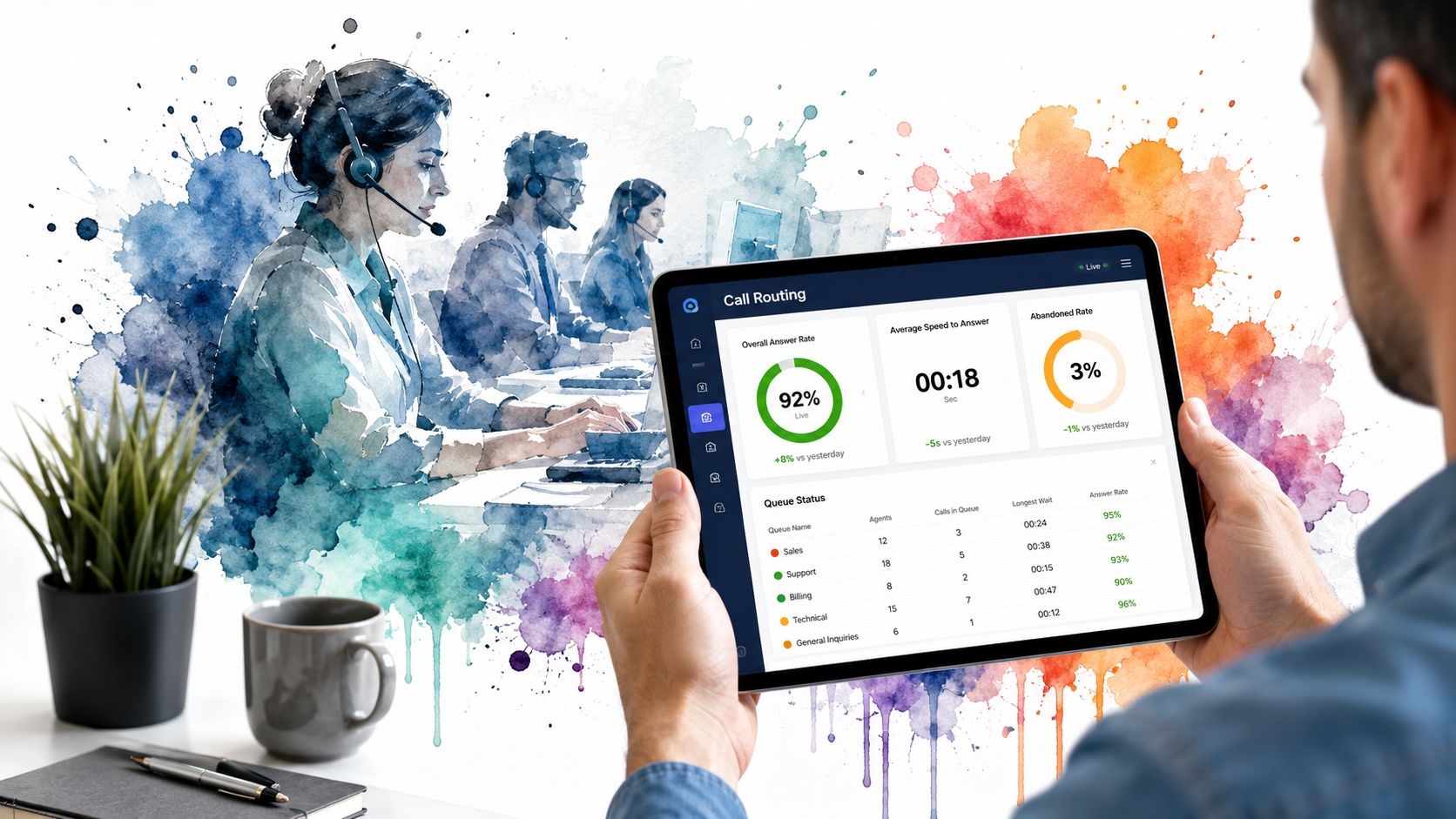
The biggest conversion lever is still the simplest one, answer rate. If the phone rings and no one picks up, every other optimization starts leaking value. That's why call handling belongs in CRO, not just in receptionist training.
The fixes that move revenue
- Routing logic: Send calls to the right person or location the first time.
- After-hours coverage: Decide what happens when the business can't answer live.
- Missed-call text-back: Follow up quickly when a call drops or goes unanswered.
- Quality scoring: Separate short, low-intent calls from longer, more useful conversations.
- Weekly review: Make call outcomes visible in team reporting, not buried in a dashboard.
Answer rate is a high-impact factor because it affects every other part of the system. A tracked lead that gets ignored is just expensive noise. A missed call that gets a fast text-back can still turn into a booked job.
A practical monthly reporting set should include the source of the call, whether it was answered, whether it was returned, and whether it became a booked opportunity. That gives the business a real funnel view, not a vanity number. When the team sees calls as a sequence of steps, the fixes get obvious fast.
A tighter reporting cadence also keeps the profile honest. If the calls are up but the bookings aren't, the issue may sit in routing, response time, or qualification rather than in the listing itself. That's the difference between tracking activity and managing revenue.
For a deeper framework on tightening the handoff and reducing friction, the conversion work belongs inside the operational rhythm of the business, not just in marketing meetings. Conversion rate improvement guidance is the right lens when the phone is the first step in the sale.
If you want help turning Google Business listing phone calls into tracked, answered, and booked revenue instead of just more noise, book a growth consult with The Advertising Suite.